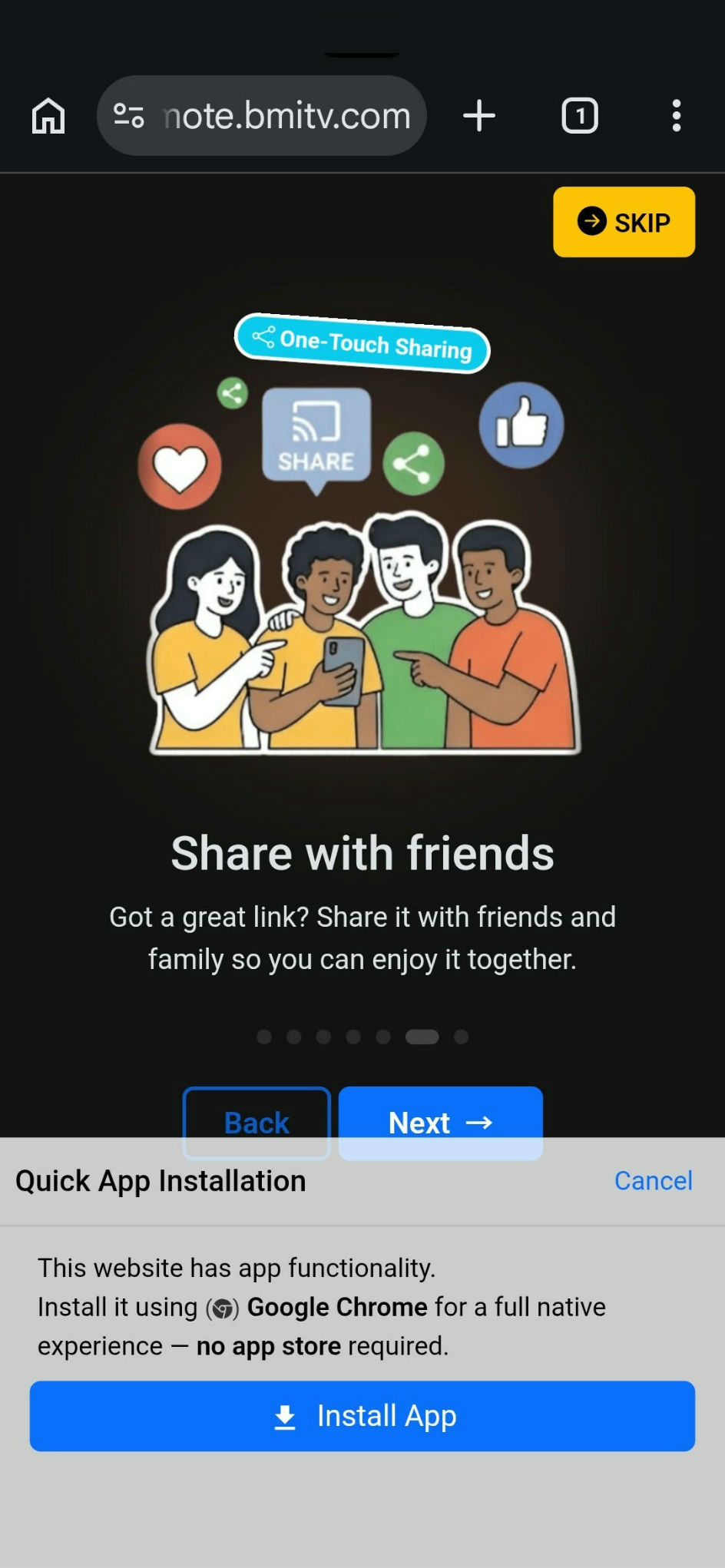
Install KRemote
You have to Install/Add KRemote to your phone's home screen first.
Then it opens like a normal app.
Use Google Chrome or Samsung Internet. Other browsers may not show the install button.
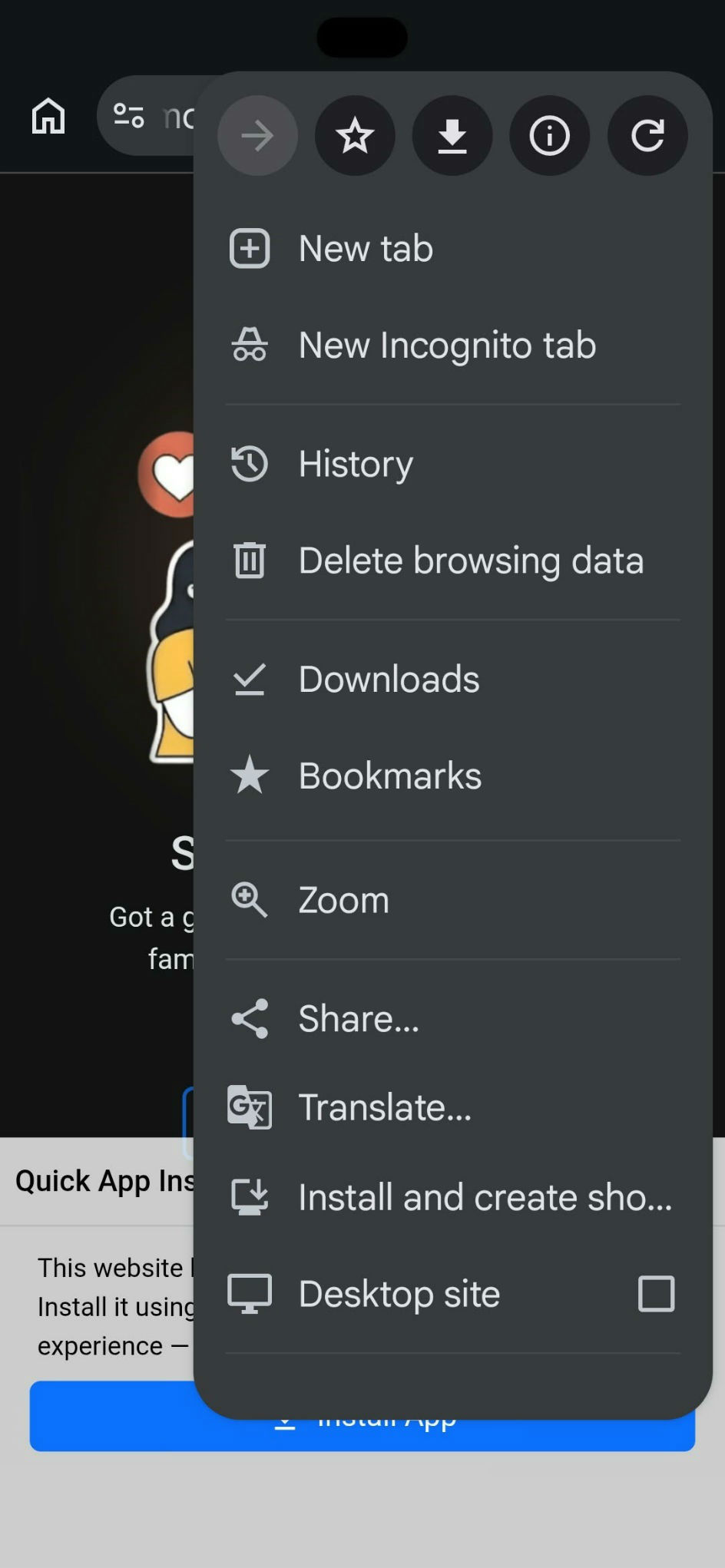
Open the browser menu
Tap the three dots at the top right.
Samsung Internet: tap the three lines at the bottom right.
Choose "Install app"
Tap Install app. If you don't see it, tap Add to Home screen.
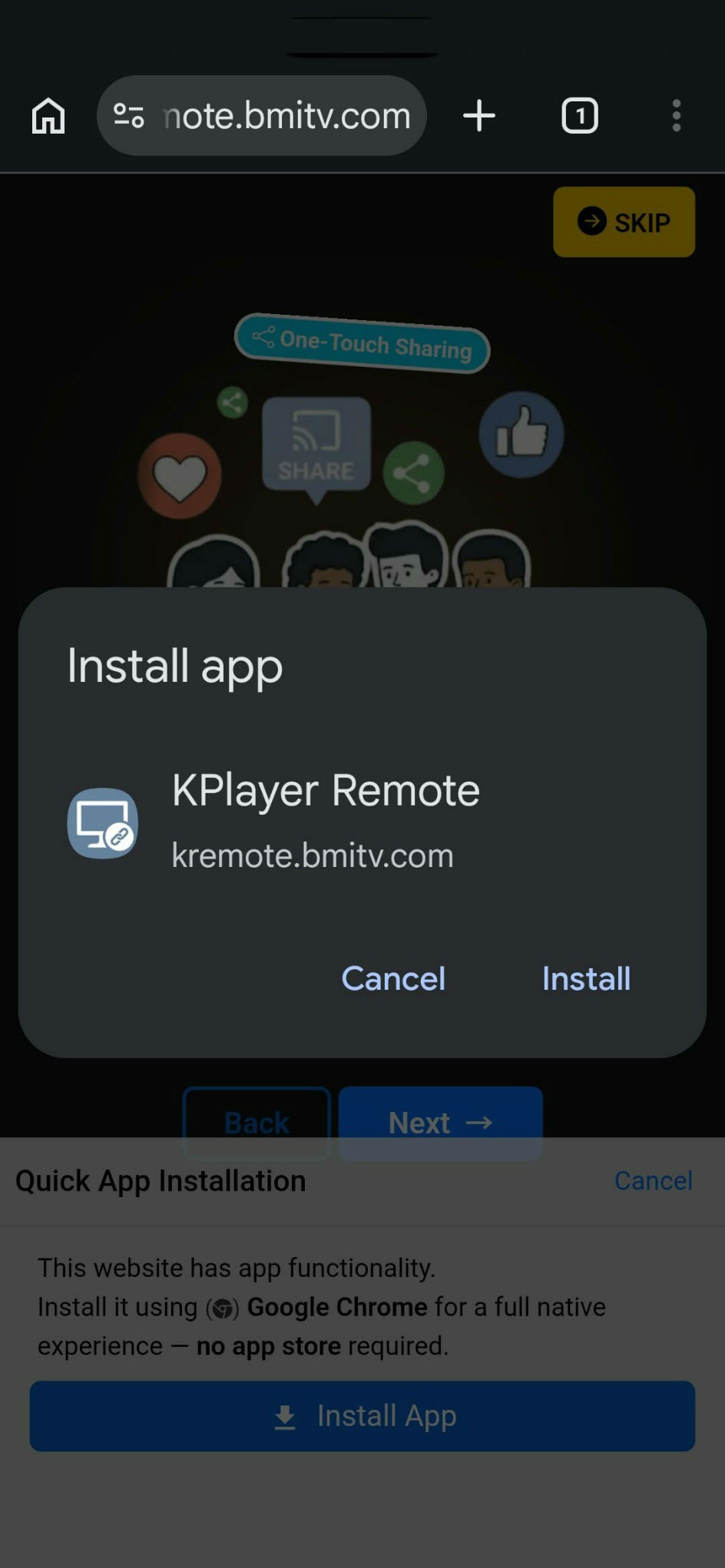
Confirm
Tap Install in the pop-up.
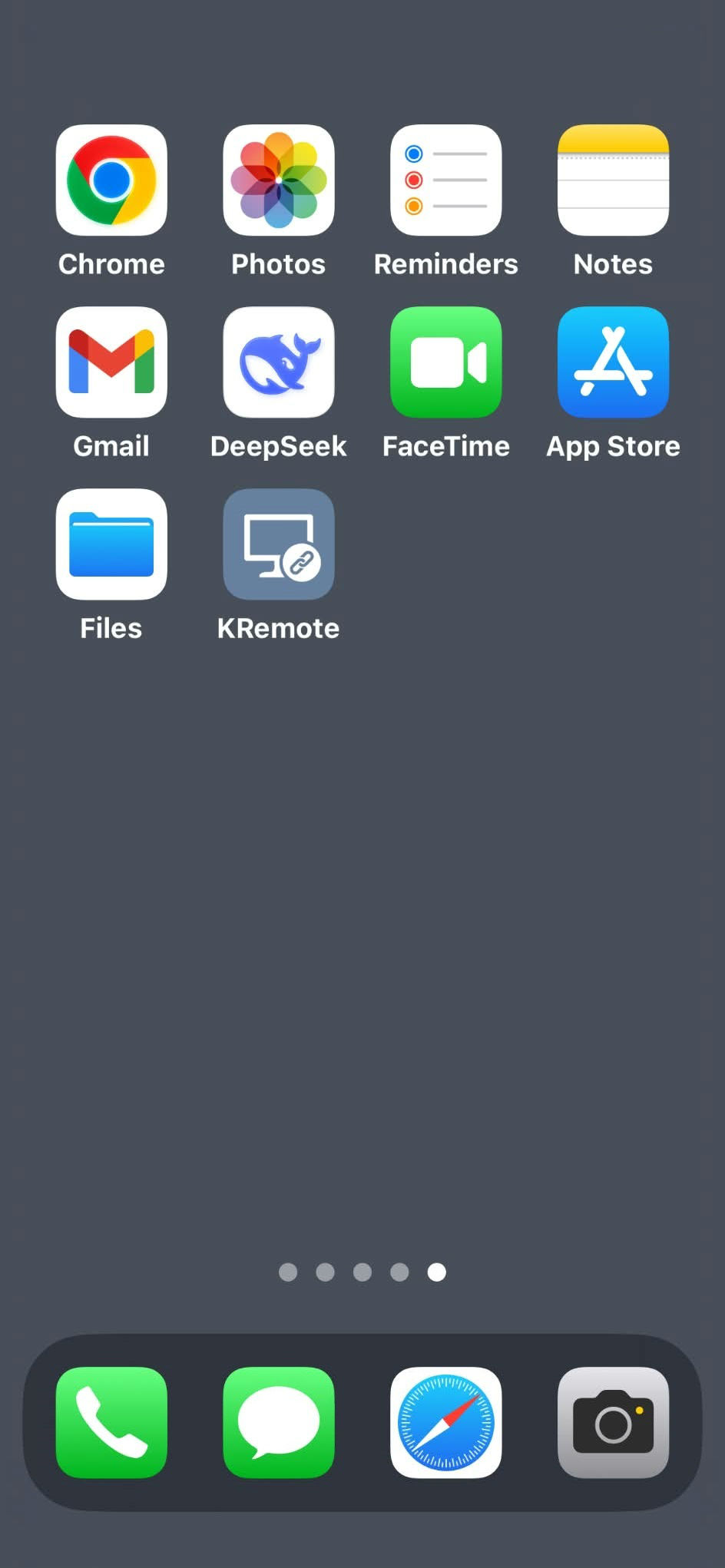
Launch the app
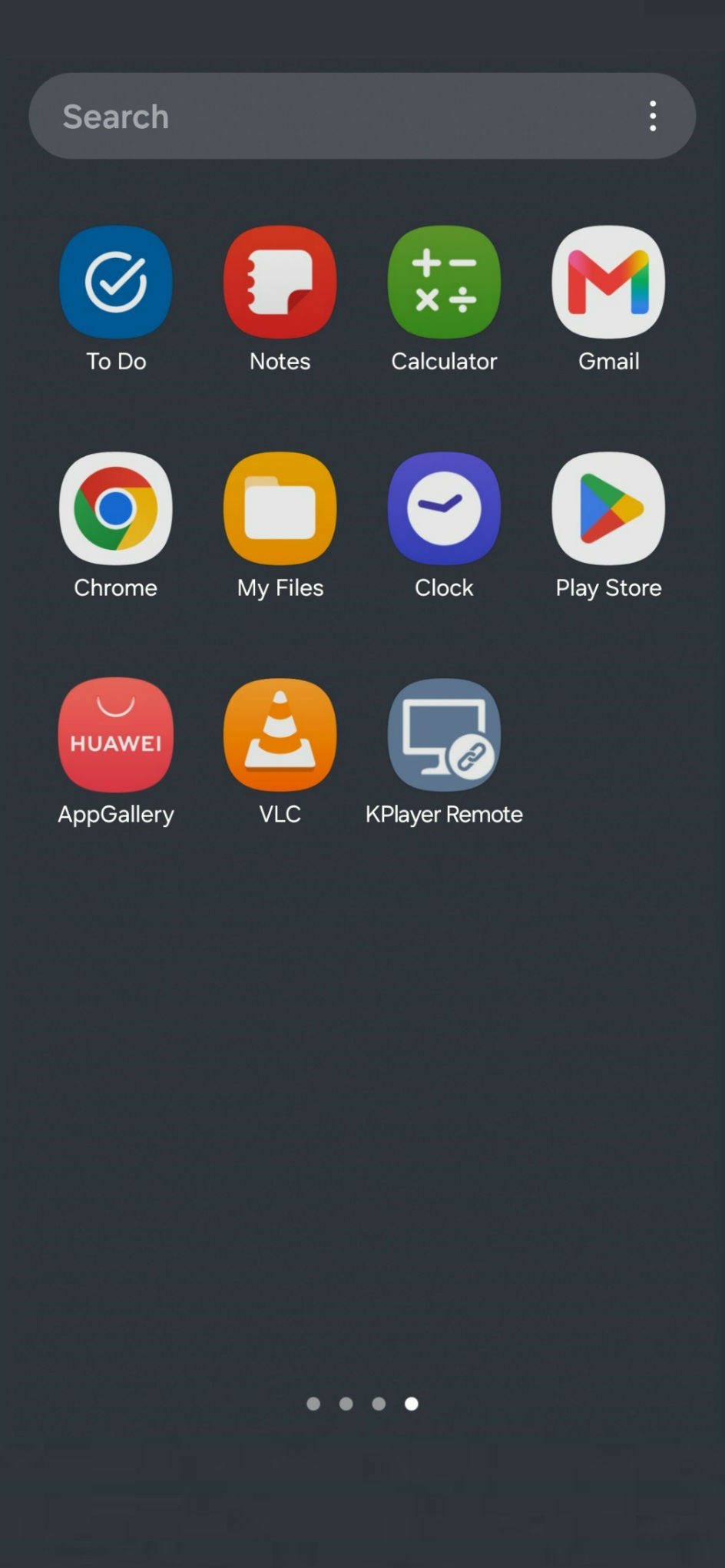
From now on, always use the KRemote icon on your home screen to start.
Safari works best. Chrome works too. On iPhone, installing is called Add to Home Screen.
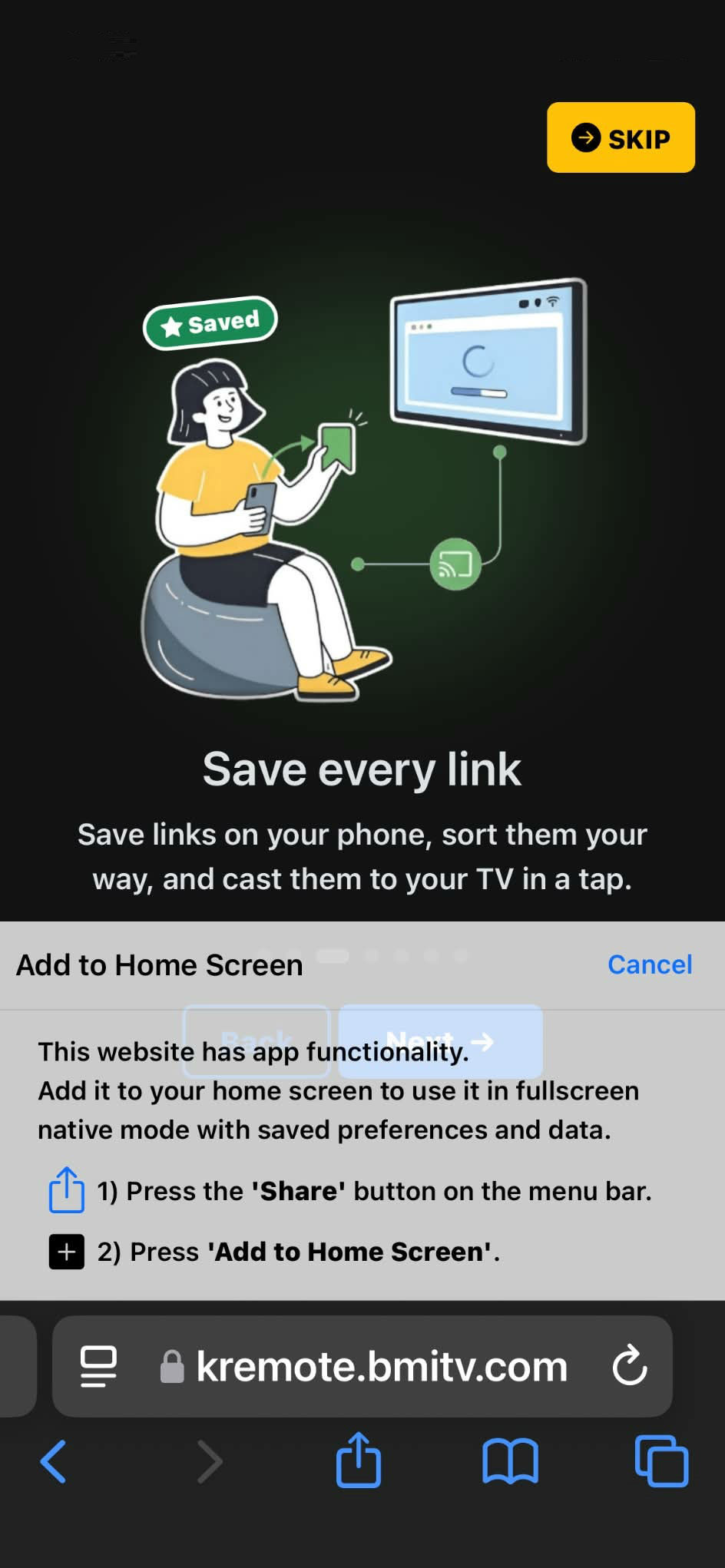
Tap the Share button
Tap Share, the square with an arrow pointing up. It's at the bottom of Safari.
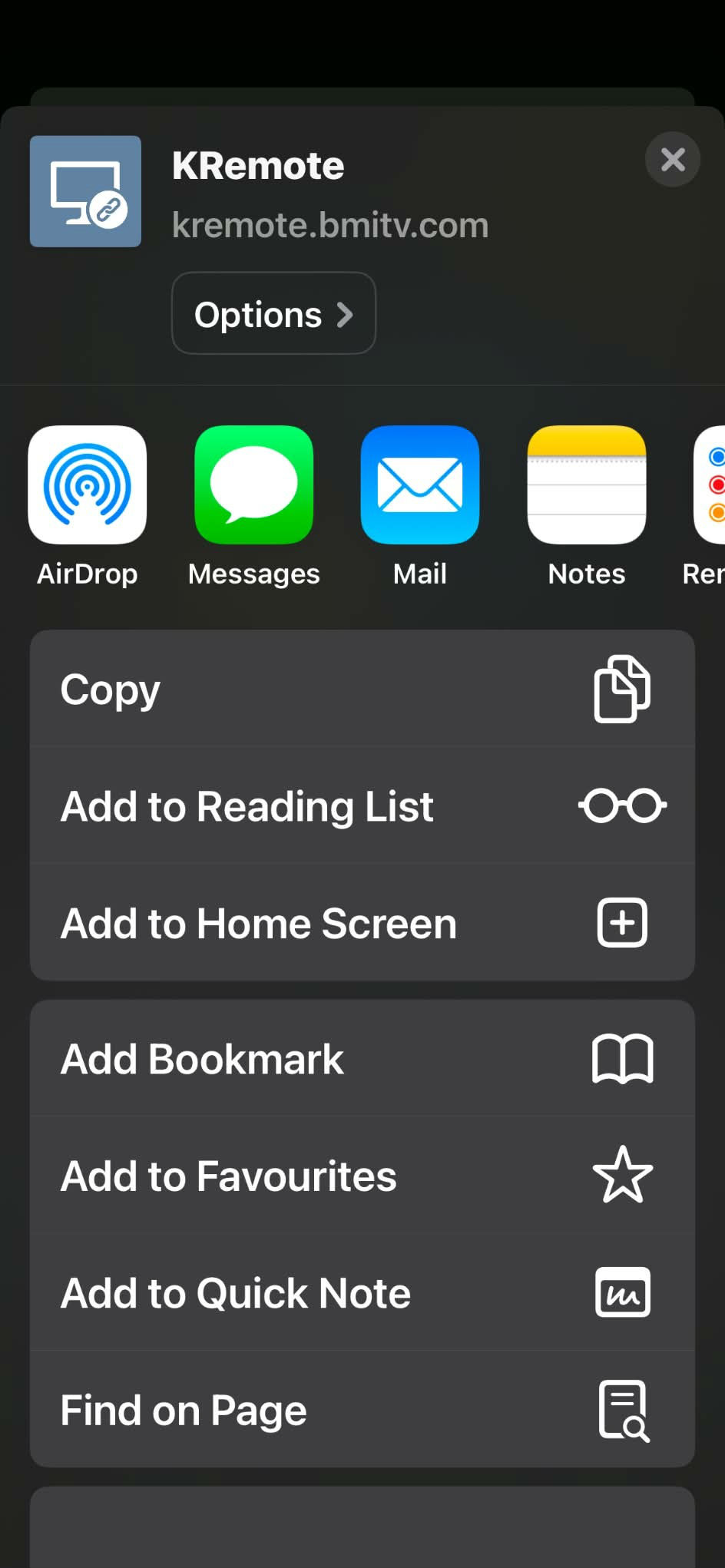
Choose "Add to Home Screen"
Scroll down the list and tap Add to Home Screen.
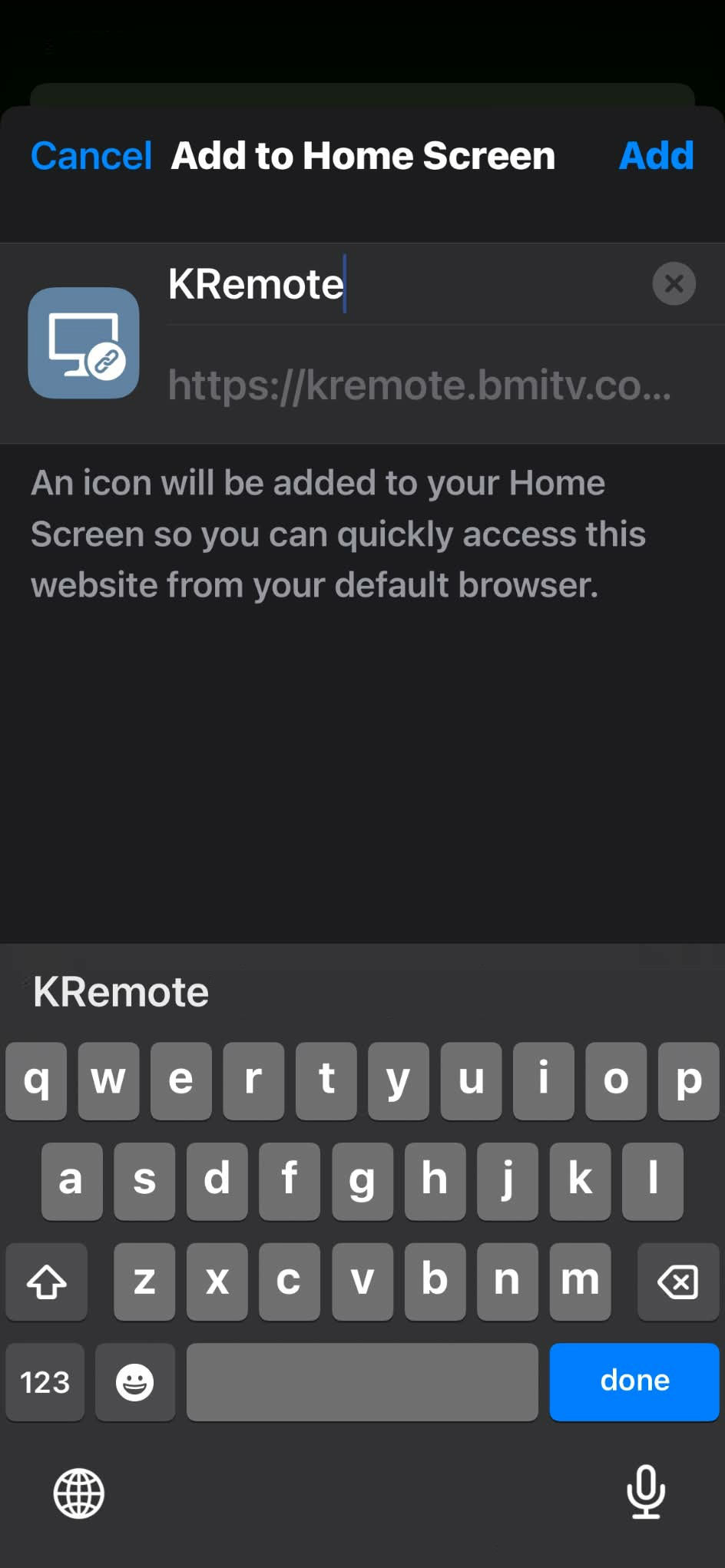
Tap "Add"
Tap Add at the top right.
Launch the app
From now on, always use the KRemote icon on your home screen to start.